Blog article
Video Embed Demo: Place a Player Anywhere in a Blog Post
A practical demo showing how a responsive video block can be inserted between any two sections of a Seedance blog article.
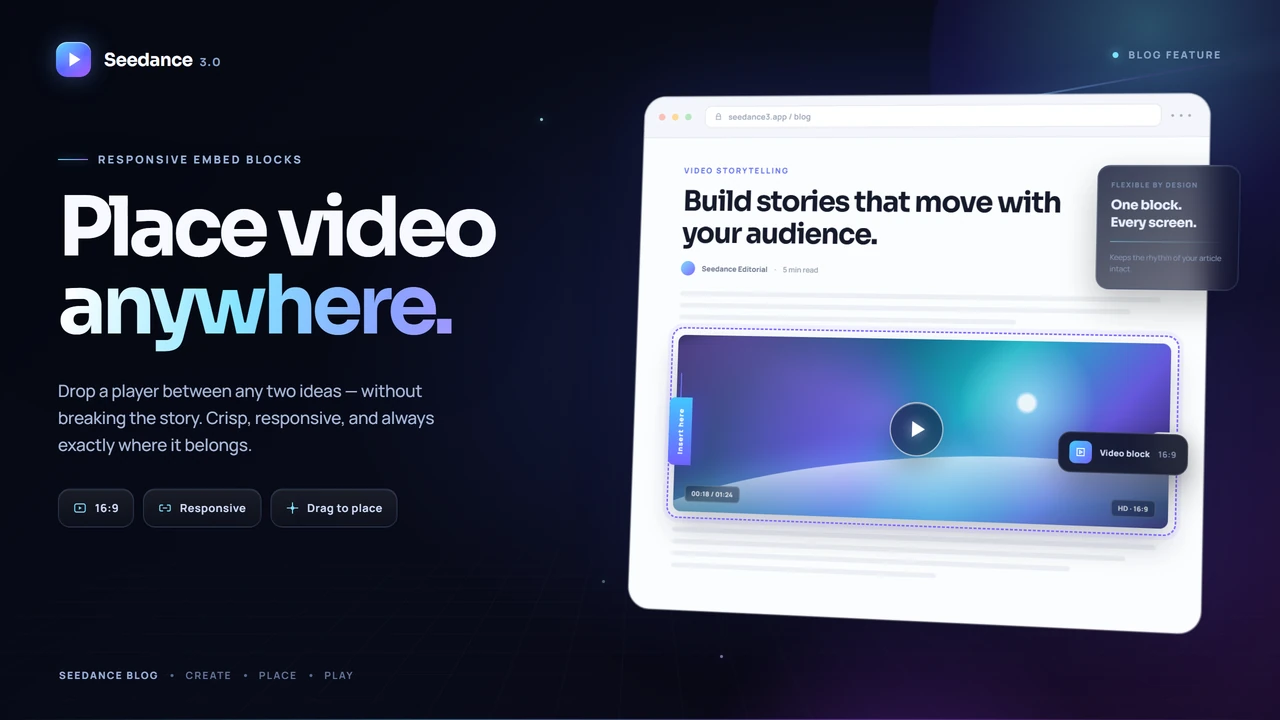
Video is often the clearest way to show an AI workflow, but a player should not be trapped at the top or bottom of an article. It should sit exactly where the explanation needs it, just like an image.
Place the player where the reader needs it
The video block below appears after this introductory section and before the next paragraph. Inserting a new block in the editor does not move or reorder any other content; the block is written at the current cursor position.
The article continues normally after the player. You can place another video later, add text between players, or move the block by editing the Markdown line that represents it.
Choose the window from the video shape
Use 16:9 for standard landscape videos. The player uses the available article width while its height is calculated from the aspect ratio. Narrow screens therefore reduce both width and height together instead of creating horizontal overflow.
For a narrower presentation, switch the size preset to standard or compact. The same video can remain centered without requiring a fixed pixel height.
Supported video sources
The editor supports YouTube, Vimeo, Bilibili, Cloudflare Stream, and direct MP4, WebM, or OGG files. Only allowlisted embed providers and direct video files are rendered, preventing arbitrary iframe markup from being injected into an article.
To add a video, place the cursor anywhere in the body, choose “插入视频”, paste the URL, select the aspect ratio and width preset, and insert it. The video then remains at that exact position in the article.